Gaming Room vs Movie Theater - How to Build One Room That Does Both
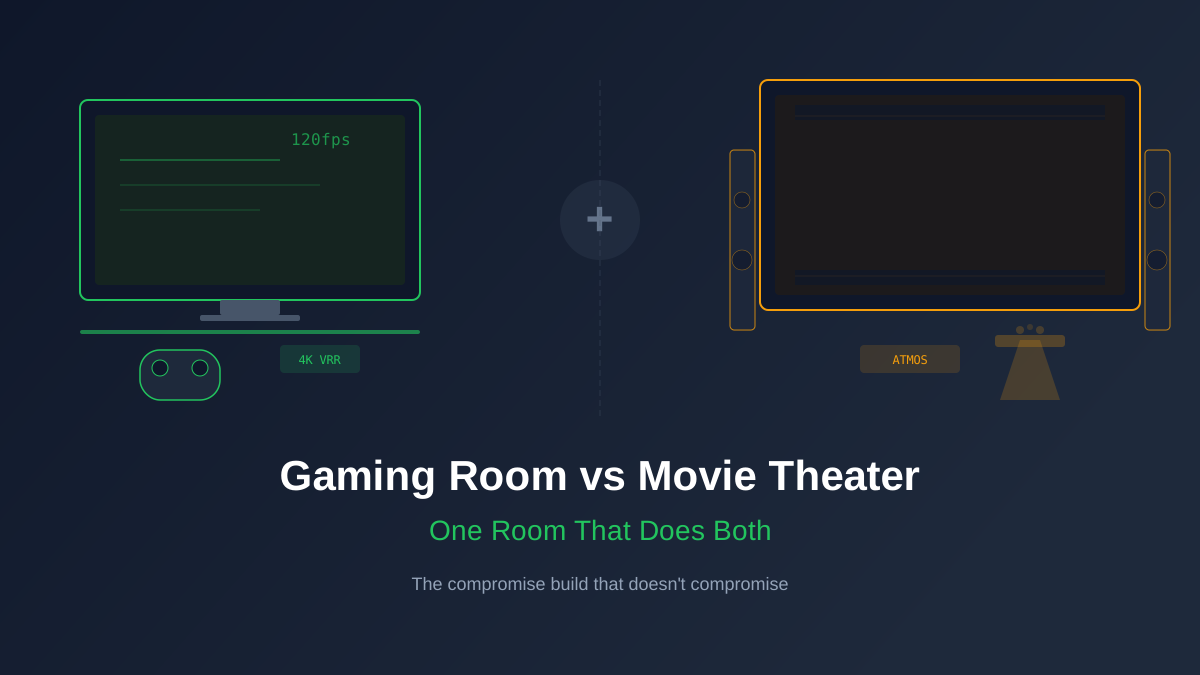
You don't need two rooms. You need one room with the right gear.
The "gaming room vs. movie theater" debate has been running on Reddit for years, and most of it is gatekeeping dressed up as advice. Dedicated cinema purists will tell you gaming requires different gear, different lighting, different seating distance. Gaming-first builders insist that surround sound is wasted on competitive shooters. Both camps are stuck in 2019.
Modern AVRs pass 4K120 with VRR and ALLM on the same HDMI ports that decode Dolby Atmos and DTS:X. Current OLEDs handle sub-millisecond pixel response for gaming and display reference-grade HDR for film. The hardware convergence already happened. The only question left is how to set up a single room that doesn't compromise either experience.
The Display: OLED Solves Both Problems
For a dual-purpose room, OLED is the only serious answer. The LG C4 is the default pick because it delivers near-instant pixel response (under 0.1ms), four HDMI 2.1 inputs with full 4K120/VRR/ALLM support, and a contrast ratio that makes both dark game environments and dim movie scenes look correct. No LCD, Mini-LED, or projector matches that combination at its price.
The 65-inch C4 sits around $1,300 street price in early 2026. That single purchase covers your PS5 Pro running Demon's Souls at 4K120 on Friday night and your Saturday Blu-ray of Oppenheimer in Dolby Vision with equal competence. For the cinema crowd: the C4's Filmmaker Mode disables all processing and locks to the content's native frame rate. For gamers: Game Optimizer mode drops input lag to under 10ms with VRR active.
If budget allows, the LG G4 ($2,000 at 65 inches) adds MLA for higher peak brightness, which matters in rooms that aren't fully light-controlled. The Sony A95L QD-OLED ($2,200 at 65 inches) is the film-accuracy champion, but its gaming features lag slightly behind LG's. For most dual-purpose rooms, the C4 is the right call.
Rob's take
Gaming and movies share more than they conflict. Both benefit from a well-calibrated display, a capable subwoofer, and good speaker placement. The specific tension points are input lag (gaming wants it minimized; cinema doesn't care) and HDR tone mapping (gaming wants peak highlights preserved; cinema follows the grade). Most OLED TVs with a dedicated game mode handle both scenarios correctly with the right input-level settings.
The AVR: HDMI 2.1 Passthrough Is Non-Negotiable
This is where older advice falls apart. Pre-2022 AVRs couldn't pass 4K120 signals, which forced gamers to bypass the receiver entirely and run HDMI straight to the TV. That killed surround sound during gaming. Current mid-range receivers have solved this.
The Denon AVR-X1800H ($650) passes 4K120, VRR, and ALLM on all three of its HDMI 2.1 inputs. It decodes Dolby Atmos and DTS:X. It runs Audyssey MultEQ XT room correction, which calibrates your speakers to your room's acoustics automatically. For a dual-purpose room, this receiver does everything you need without touching the $1,200+ tier.
One tier up, the Denon AVR-X3800H ($1,300) adds Audyssey MultEQ XT32 (substantially better room correction), pre-outs for future amplifier upgrades, and 11.4-channel processing. If you plan to expand beyond 5.1.2 eventually, start here.
Yamaha's RX-A4A ($1,000) is the alternative if you prefer YPAO room correction and MusicCast multi-room. Both Denon and Yamaha handle the dual-purpose use case equally well. The key spec is HDMI 2.1 passthrough on at least two inputs. Without it, you are choosing between gaming resolution and surround sound. That is not a compromise worth making.
Speaker Layout: 5.1.2 Atmos Is the Sweet Spot
A 5.1.2 layout gives you five ear-level speakers, one subwoofer, and two height channels for Atmos overhead effects. This configuration works for both gaming (spatial audio in Returnal, Demon's Souls, and Helldivers 2 is genuinely impressive in Atmos) and movies (most Atmos mixes are mastered for 7.1.4 but fold down beautifully to 5.1.2).
Why not 7.1.4? Diminishing returns. The jump from stereo to 5.1 is massive. The jump from 5.1 to 5.1.2 is significant for overhead effects. The jump from 5.1.2 to 7.1.4 is subtle in most rooms under 3,000 cubic feet. If you are building one room on a budget, 5.1.2 Atmos is where your dollars work the hardest.
For gaming specifically: the PS5's Tempest 3D Audio engine outputs spatial audio that Atmos-capable receivers can process into your overhead channels. This means footstep directionality in competitive games and environmental immersion in single-player titles both benefit from height speakers. Check our PS5 Pro audio setup guide for the specific console settings.
Three Budgets, One Room
The $2,000 Build: Legit Dual-Purpose
- TV: LG C4 55" ($950). Smaller screen, but every gaming and cinema feature is here.
- AVR: Denon AVR-S770H ($400). 5.2-channel with HDMI 2.1 passthrough. No Atmos height decoding, but a rock-solid 5.1 foundation.
- Speakers: ELAC Debut 2.0 B5.2 pair ($250) for L/R, ELAC C5.2 center ($130), budget surrounds ($80 pair). Skip the sub for now or grab a Dayton SUB-1200 ($180) refurb.
- What you get: 5.1 surround with 4K120 gaming. No Atmos yet, but the AVR passes the full signal chain without compromise.
The $3,500 Build: The One We'd Actually Build
- TV: LG C4 65" ($1,300). The right size for a 7-to-9-foot viewing distance that works for both gaming and movies.
- AVR: Denon AVR-X1800H ($650). 5.1.2 Atmos decoding, Audyssey MultEQ XT, three HDMI 2.1 inputs.
- Speakers: KEF Q150 pair ($400) for L/R, KEF Q250c center ($350), KEF Q150 pair for surrounds ($400), and two in-ceiling Atmos modules or upfiring speakers ($150-200 pair).
- Sub: SVS PB-1000 ($500). Enough low-end authority for both action movies and games with heavy bass design (Helldivers 2, anyone?).
- What you get: Full 5.1.2 Atmos with excellent timbre matching across all channels, 4K120 gaming, and a subwoofer that handles movie night without apology.
The $5,000 Build: No Asterisks
- TV: LG G4 65" ($2,000) or Sony A95L 65" ($2,200). MLA brightness or QD-OLED film accuracy, your call.
- AVR: Denon AVR-X3800H ($1,300). XT32 room correction, 11.4 processing, pre-outs for future amp upgrades.
- Speakers: KEF Q350 ($500 pair) for L/R, KEF Q650c center ($500), KEF Q150 surrounds ($400 pair), two in-ceiling Atmos speakers ($250 pair).
- Sub: SVS PB-2000 Pro ($1,000). This is the sub that makes the room feel like a real theater. It is also the size of a small end table, so plan accordingly.
- What you get: Reference-grade 5.1.2 that handles anything the PS5 Pro or a 4K Blu-ray can throw at it. The X3800H gives you a path to 7.1.4 later without replacing the receiver.
Use the CinemaConfig builder to customize any of these tiers with your room dimensions and preferences. It will calculate speaker placement angles and crossover points automatically.
The Real Compromises (And Why They're Smaller Than You Think)
Viewing Distance
Cinema purists want a 30-to-40 degree field of view, which puts a 65-inch screen at about 7 to 8 feet. Competitive gamers often sit closer, at 4 to 5 feet, for faster reaction times. The honest answer: 6 to 7 feet from a 65-inch OLED works well for both. You lose a bit of cinema immersion compared to sitting closer, and competitive gamers lose a slight edge compared to a desk monitor. For 95% of actual use, it is a non-issue.
Lighting Control
Movies demand a dark room. Gaming sessions often happen with some ambient light, especially during long sessions where total darkness causes eye strain. The fix is simple: blackout curtains plus bias lighting behind the TV. The bias light (a $20 LED strip in 6500K white) reduces eye strain during gaming and improves perceived contrast during movies. Both audiences win.
Seating
Recliners are perfect for movie watching but terrible for leaning-forward competitive gaming. A sofa at the right distance works for both. If you game primarily with a controller (not mouse and keyboard), a recliner works fine since you are not hunching over a desk. The couch-with-controller setup is the natural dual-purpose seating position.
Audio Modes
Most AVRs have separate sound profiles you can assign per input. Set your PS5 input to use a gaming-tuned EQ (slightly boosted dialogue channel for in-game chat, tighter bass) and your Blu-ray player input to use a reference profile (flat EQ, full dynamic range). Switching between gaming and movie mode happens automatically when you change inputs. No manual tweaking needed.
Stop Overthinking It
The gear convergence happened years ago. A $3,500 build today handles PS5 Pro at 4K120 with spatial audio and a Saturday night Atmos movie screening without touching a single setting. The people insisting you need separate rooms are optimizing for the last 5% of each experience at the cost of doubling your budget and square footage. For the rest of us, one room does both, and does both well.
Rob Teller
Founder, CinemaConfig
15 years in consumer hardware and software, mostly on the product side. NZXT (cases and cooling), Asetek (liquid cooling, global sales), a short run advising on Alienware's roadmap at Dell, then four ... More about Rob · Affiliate disclosure


