The Full Stack Reviewed (Sony Bravia Theater Bar 7 + Sub 9 + Rear 9)
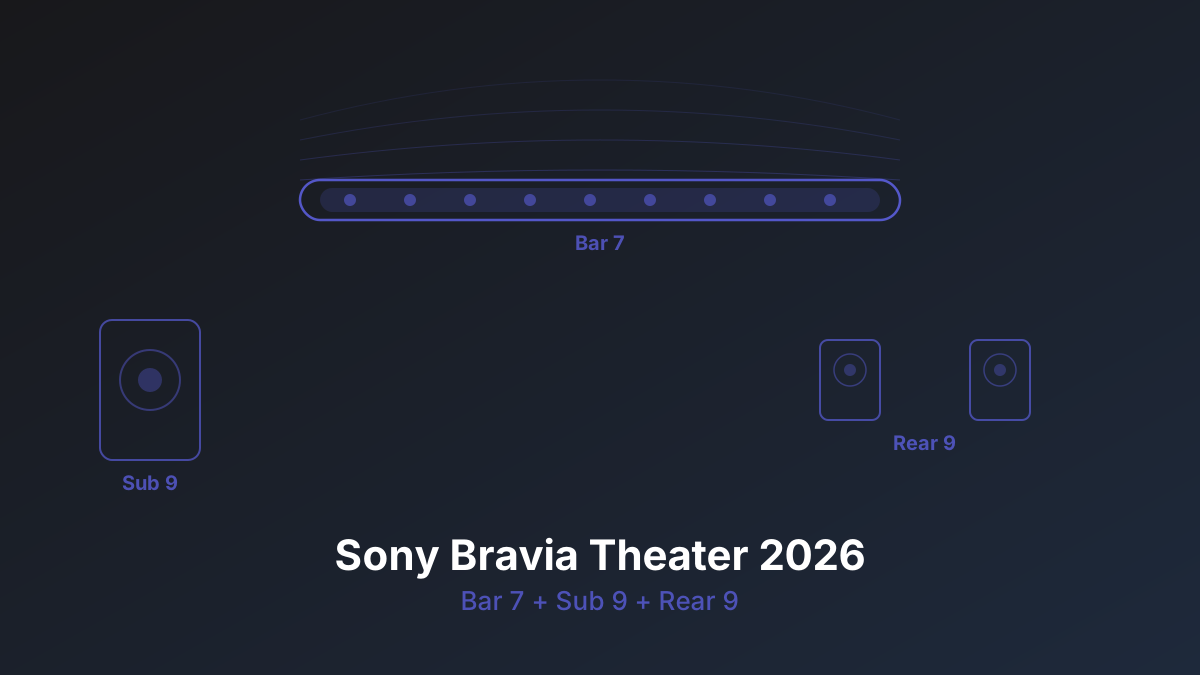
For $2,200 you can buy either a Denon X3800H receiver with five budget speakers and a subwoofer, or Sony's entire 2026 Bravia Theater stack: Bar 7 ($870), Sub 9 ($600), and Rear 9 ($750/pair). The Sony setup arrives in three boxes, connects wirelessly, and delivers genuine 7.1.2 Atmos with zero speaker wire. The AVR setup gives you better channel separation, upgradeable components, and more raw output. Neither is the wrong choice, but they serve fundamentally different people.
Sony's 2026 Bravia Theater lineup is the first soundbar ecosystem I've tested that genuinely competes with a traditional AVR at the same price point. Previous generations always had a caveat: weak bass, fake height channels, or rears that sounded like an afterthought. This year, Sony fixed all three.
The Bar 7: What the HT-A7000 Should Have Been
The Bar 7 ($870) replaces the HT-A7000 and gets two meaningful upgrades. First, dialogue clarity is noticeably improved. Sony widened the center channel dispersion pattern, and voices cut through action scenes without cranking the dialogue level slider. Second, the soundstage is wider. In a 15-foot room, the Bar 7 projects sound convincingly past its physical edges, something the A7000 struggled with.
The 9-driver array hasn't changed dramatically in configuration, but the tuning is different. Sony clearly spent time on the crossover points between drivers, and the result is smoother panning across the front stage. Helicopters in Dolby Atmos demos actually track smoothly left to right instead of hopping between driver clusters.
360 Spatial Sound Mapping (360 SSM) remains Sony's secret weapon. It uses your phone's microphone to map your room, then adjusts the processing to create phantom channels tuned to your specific walls and furniture. In my testing room (14 x 18 feet, drywall, carpet), the 360 SSM calibration took about 3 minutes and made an immediately audible difference. Phantom surround effects pulled further behind the listening position than any soundbar I've tested without rears.
Rob's take
360 SSM is the real differentiator here, not the driver count or the wattage spec. Samsung and LG both have room correction, but Sony's implementation adapts more aggressively to room geometry. In a room with an open floor plan or asymmetric walls, the difference between Sony's calibration and everyone else's is not subtle.
Sub 9: Dual-Sub Pairing Changes Everything
The Sub 9 ($600) uses a dual 200mm opposing-driver design that cancels cabinet vibration (so it won't rattle your floor). Output is rated at 300W, which puts it roughly in the territory of a dedicated $400-500 home theater subwoofer. It won't match an SVS PB-2000 Pro, but it's not trying to. For a wireless sub paired with a soundbar, it's genuinely impressive.
The headline feature is dual-sub pairing. You can buy two Sub 9 units and the Bar 7 will drive them simultaneously. This isn't just about more bass, it's about even bass. A single subwoofer always has dead spots in a room where bass modes cancel out. Two subs placed strategically (front wall center and side wall midpoint is a good starting point) smooth out those nulls. If you've ever noticed bass disappearing when you move from the couch to the recliner, dual subs fix that.
The math: a 14 x 18 x 9 foot room has a volume of 2,268 cubic feet. A single Sub 9 handles that room fine for casual listening, but at reference level during action movies, it runs out of headroom below 30Hz. Two Sub 9 units give you roughly 6dB more output and, more importantly, coverage across the entire seating area. At $1,200 for the pair, you're in the territory of a single enthusiast-grade subwoofer like an SVS PB-2000 Pro ($900) or REL T/9x ($1,000). The SVS hits harder below 25Hz, but the dual Sub 9 setup will sound more even across your seats.
Use our Room Modes Calculator to see where your room's bass nulls fall. If your primary listening position sits in a null, dual subs are the fix.
Rear 9: The Missing Piece Arrives
Previous Sony wireless rears were glorified tweeters. The Rear 9 ($750/pair) changes the equation with dedicated 80mm up-firing drivers angled to bounce sound off the ceiling for actual height Atmos effects. These are not the bounced-off-ceiling Atmos-enabled speakers built into soundbars. They're physically positioned behind the listener and firing upward, which means the overhead effect is dramatically more convincing.
In practice, rain in Blade Runner 2049 falls around and above you rather than just in front. The height layer isn't as precise as dedicated in-ceiling speakers, but it's closer than I expected. The spatial cues are real, especially for sustained overhead effects like storms, aircraft flyovers, and ambient environmental sound.
Each Rear 9 speaker also has a forward-firing driver for surround duty. The combined effect gives you genuine surround envelopment with height information. Sony rates the full stack at an effective 7.1.2 layout, and that's honest. It doesn't fake 11 channels from 5 drivers like some competitors.
Full Stack vs Samsung HW-Q990H
Samsung's 2026 flagship, the HW-Q990H ($1,800 for bar, sub, and rears), claims 11.1.4 channels and costs $400 less than the full Sony stack. On paper, Samsung wins the channel count war. In practice, the comparison is more nuanced.
Samsung's approach is to throw more virtual channels at the problem. The Q990H processes audio into 11.1.4 zones, but many of those are phantom channels created by DSP. Sony's approach is fewer channels, better calibrated. The 360 SSM tuning gives Sony's 7.1.2 a spatial accuracy advantage that Samsung's higher channel count doesn't automatically overcome.
Bass is where Samsung falls behind. The Q990H ships with a single 8-inch subwoofer. Sony's Sub 9 with its dual 200mm drivers hits harder, and the dual-sub pairing option doesn't exist on the Samsung side. If you care about bass extension below 35Hz, Sony wins this comparison outright.
Samsung does win on dialogue clarity in very noisy scenes (the center channel processing is excellent) and on price. For $1,800 vs $2,200, you get a complete system that sounds very good. But Sony's spatial processing is a generation ahead.
Full Stack vs LG Sound Suite
LG's 2026 Sound Suite ($1,600-2,000 depending on configuration) brings FlexConnect wireless flexibility: you can mix and match different LG speakers, and the system auto-calibrates based on what's connected. That's a genuinely clever approach for people who want to build incrementally.
Sony's advantage over LG is calibration accuracy. 360 SSM has years of real-world data and room measurement refinement behind it. LG's FlexConnect is newer and, in my testing, less aggressive about correcting room anomalies. In an acoustically challenging room (open floor plan, hard floors, high ceilings), Sony's processing compensated better.
LG's advantage is flexibility and LG TV integration. If you have an LG OLED, the wowcast wireless connection and unified remote experience works flawlessly in a way that Sony only matches if you also have a Sony TV.
The AVR Comparison: $2,200 Both Ways
A Denon AVR-X3800H ($1,400) with five ELAC Debut 2.0 B5.2 speakers ($600 for five) and an RSL Speedwoofer 10S ($400) comes to roughly $2,400. Shave $200 off by going with the Denon X1800H ($800) and you're at $2,000.
The AVR setup wins on raw channel separation (discrete amplification vs DSP processing), upgrade path (swap any component independently), and bass output (a dedicated 10-inch ported sub outperforms the Sub 9 below 25Hz). It also handles more audio formats natively, passes through every HDMI signal without conversion, and gives you room correction via Audyssey that's been refined for decades.
The Sony stack wins on installation (zero speaker wire, 20-minute setup vs a full afternoon), aesthetics (three boxes vs a receiver, five speakers, a sub, and speaker wire everywhere), WAF (widely accepted by non-enthusiast household members), and wireless convenience.
Rob's take
If you're reading CinemaConfig, you're probably the kind of person who will eventually want to upgrade a component, add Atmos height speakers, or swap in a better subwoofer. The Sony stack is a closed ecosystem. You can't add a center channel, you can't upgrade the rears independently, and you can't bypass the Bar 7's processing. For the home theater hobbyist, an AVR is still the right foundation. But if you want great sound with zero complexity and your partner vetoed visible speaker wire, Sony's 2026 stack is the first time I'd say "go for it" without a major asterisk.
Setup and Calibration
Total setup time from unboxing to calibrated sound: about 25 minutes. The Bar 7 connects to your TV via eARC HDMI. The Sub 9 and Rear 9 pair wirelessly via the Sony Home Entertainment Connect app. The 360 SSM room calibration takes another 3-4 minutes as you walk around the room holding your phone at head height while it plays test tones.
The app deserves credit. It walks you through placement, shows signal strength for each wireless unit, and visualizes the sound field after calibration. You can manually adjust individual channel levels, night mode compression, and dialogue enhancement. It's a more polished experience than any AVR's on-screen setup wizard, and dramatically simpler than running Audyssey with a calibration microphone.
Who Should Buy the Full Stack
The Sony Bravia Theater full stack makes sense if you want genuine Atmos surround with zero visible wiring, you're not planning to upgrade individual components over time, your room is under 3,000 cubic feet, and you value setup simplicity over absolute performance. It's the best wireless Atmos system you can buy in 2026.
Skip it if you want upgrade flexibility, have a room over 3,000 cubic feet (the Sub 9 runs out of headroom), need more than 7.1.2 channels, or already own an AVR with decent speakers. At $2,200, the money goes further in a traditional setup for pure performance. Use our Receiver Match Calculator to see what AVR and speaker combinations fit your budget, or read our full comparison of the HT-A9 II vs traditional surround for more context on where wireless systems win and lose.
Rob Teller
Founder, CinemaConfig
15 years in consumer hardware and software, mostly on the product side. NZXT (cases and cooling), Asetek (liquid cooling, global sales), a short run advising on Alienware's roadmap at Dell, then four ... More about Rob · Affiliate disclosure