Clean Runs Without Ripping Open Walls (Home Theater Cable Management)
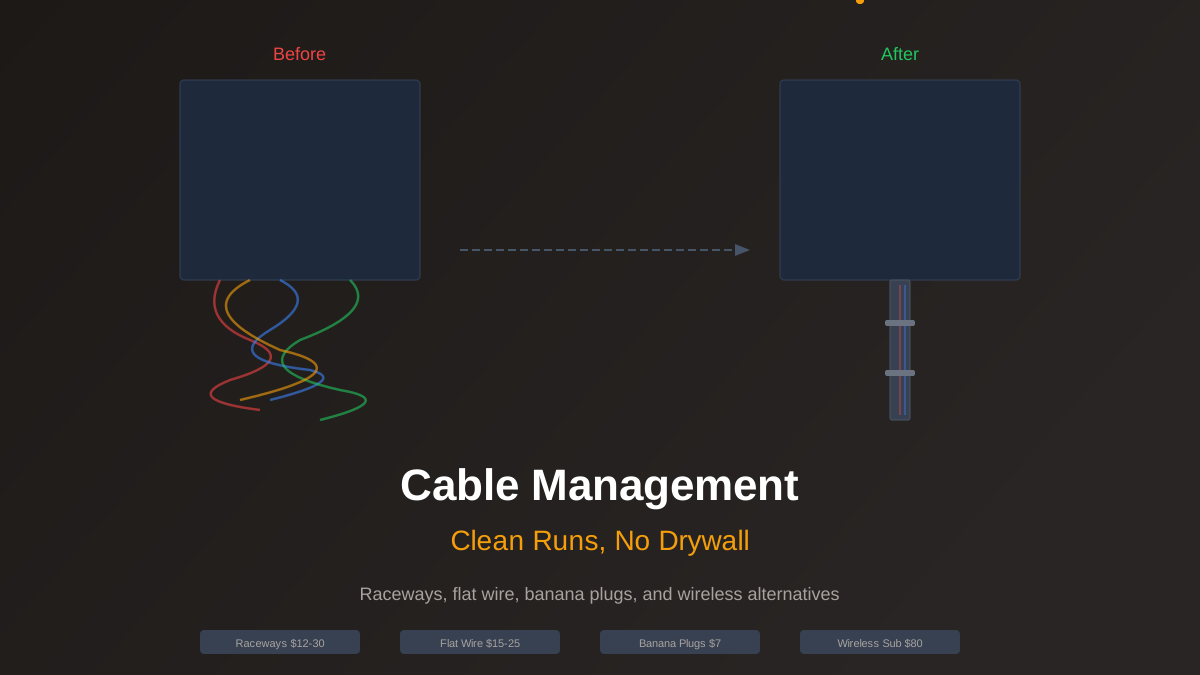
The difference between a home theater that looks built-in and one that looks temporary is cable management. The good news: you can get 90% of the way there without cutting into drywall.
The TV Wall Mount Wire Situation
If you own the home: An in-wall power and HDMI kit ($40-60 from DataComm or PowerBridge) is the cleanest option. CL2/CL3-rated HDMI cables and a recessed outlet box behind the TV. Nothing visible.
If you rent: Paintable cord covers. The SimpleCord Cable Concealer ($12) is cheap, paintable, and holds two cables. The Wiremold CornerMate ($8) handles 90-degree turns. D-Line cable raceway kits ($20-30) come with everything for longer runs.
One trick: use super-flat HDMI cables (3mm thick, $10-15 from Monoprice) that fit inside slim raceways where standard cables would not.
Rob's take
Clean cable management is the one upgrade that makes you appreciate your system more every day, not just when you first install it. Looking at a tangle of cables behind an AV rack introduces a low-grade anxiety that quietly undermines the experience. Two hours of routing, labeling, and bundling cables pays a daily dividend that equipment upgrades don't.
Speaker Wire: The Invisible Run
Flat speaker wire is the best solution for most rooms. 16-gauge wire pressed into a ribbon about 1mm thick, runs under baseboards or carpet edges with zero visible profile. GhostWire and Sewell bulk flat wire are the standard recommendations ($15-25 for a 50-foot roll).
Installation: peel back the carpet edge along the wall, lay the flat wire along the tack strip, press the carpet back down. Invisible. For hard floors, paintable cable raceways along the baseboard top, painted to match trim. Our speaker placement guide covers the recommended angles.
Banana Plugs: Why They Matter
Not about sound quality (the signal difference is immeasurable). They matter for clean connections, easy swapping, and preventing bare wire strands from creating short circuits that trigger your AVR's protection circuitry.
Monoprice banana plugs ($7 for 5 pairs) work as well as $30 AudioQuest plugs. Buy the 10-pair pack for a 5.1 system. Do not let anyone upsell you on "audiophile-grade" connectors.
Behind the Components
Velcro cable ties ($6 for 100) over zip ties (zip ties are permanent and sharp). Cable management boxes ($15-25) for power strips. And the most underrated tip: buy short cables. Monoprice sells HDMI cables in 1-foot, 1.5-foot, and 2-foot lengths for $3-5. Measure the actual distance, add 6 inches of slack, and buy that length. Custom-length cables eliminate 80% of the mess behind a rack.
The Entertainment Center Question
Closed-front cabinets trap heat. Open-back racks with cable routing are better. Salamander Designs ($500-2,000+) solves everything at once. Budget option: IKEA Besta ($150-250) with the back panel removed and a cable management basket added. For closed cabinets, cut ventilation holes and add an AC Infinity USB-powered 120mm fan ($15-20).
Wireless Alternatives and Their Limits
Wireless subwoofer kits work great. The SVS SoundPath Wireless Audio Adapter ($80) has under 5ms latency and indistinguishable audio quality. Wireless surround kits work okay. The Rocketfish wireless rear speaker kit ($80-120) adds slight latency (10-20ms), acceptable for movies but test before committing. Wireless HDMI is still unreliable for 4K HDR. Run a cable. The wiring guide covers specs for long runs.
The "Do It Once, Do It Right" Approach
- Plan wire paths before connecting anything.
- Install raceways empty first, then feed cables through.
- Connect at the AVR end first, route outward to components.
- Label every cable at both ends. A $5 pack of cable labels saves hours later.
- Take photos of every connection before pushing the rack against the wall.
Our apartment home theater guide covers gear selection for limited wall access, and the wiring guide handles gauge selection and maximum run lengths.
A well-managed system runs cooler, troubleshoots faster, and survives rearrangements without starting from scratch. The afternoon you invest now pays off every time you touch the system later.
Rob Teller
Founder, CinemaConfig
15 years in consumer hardware and software, mostly on the product side. NZXT (cases and cooling), Asetek (liquid cooling, global sales), a short run advising on Alienware's roadmap at Dell, then four ... More about Rob · Affiliate disclosure