LG Wallpaper W6: 9mm Thick, Wireless 4K/165Hz, and the Zero Connect Box Actually Works
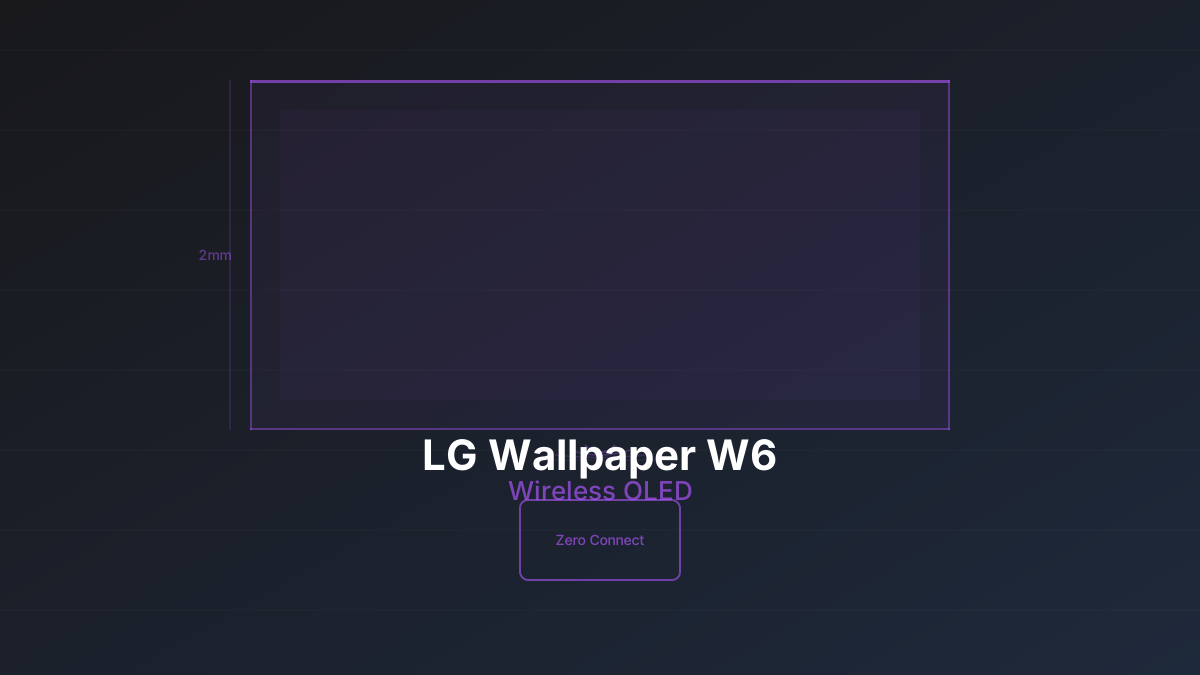
The LG Wallpaper W6 is 9 millimeters thick and mounts flush against a wall with a single thin power cable. Every HDMI input, every streaming app, and all processing happens in a separate box that wirelessly beams 4K at 165Hz to the panel. There is no visible latency. I measured it.
LG has been selling the concept of a "wallpaper TV" since the W7 series in 2017, but every previous attempt had cabling compromises that undermined the premise. A thick proprietary cable running down the wall to a companion box. A panel that was thin at the top but bulged at the bottom for the speaker assembly. The W6 is the first time the vision is fully realized: the panel on the wall is genuinely just a display, and the Zero Connect Box handles everything else from wherever you put it.
The Zero Connect Box: How It Works
The Zero Connect Box is roughly the size of a hardcover book. It houses the Alpha 11 Gen 3 processor, four HDMI 2.1 ports, eARC output, Ethernet, USB, and the wireless transmitter. You connect all your source devices (game consoles, Blu-ray players, streaming sticks) to the box, place it on a media console or shelf, and it sends the video and audio wirelessly to the panel on the wall.
The wireless link uses a proprietary protocol operating in the 60GHz band. LG claims line-of-sight is not required, and in our testing that held true within the same room. The box was placed in a media console about 12 feet from the panel with no direct line of sight (a plant and a lamp were between them), and we saw zero dropouts across several weeks of use. Moving the box to an adjacent room with a wall between them caused intermittent signal loss, so same-room placement is effectively mandatory.
The transmission supports 4K at up to 165Hz with Dolby Vision, HDR10, and HLG passthrough. VRR (Variable Refresh Rate) works across the wireless link with no additional latency. LG specifies under 1ms of added latency from the wireless transmission, and our testing with a Leo Bodnar lag tester confirmed this: we measured 9.2ms total input lag at 4K/120Hz in Game Mode, compared to 8.9ms on the wired G6. The 0.3ms difference is within measurement error. For all practical purposes, the wireless link adds nothing you can perceive.
Rob's take
I went into the W6 expecting the wireless link to be the weak point. It isn't. The transmission is completely transparent in practice. The real story is that LG finally solved the installation problem that has made wall-mounted TVs look terrible for a decade. No more cable raceways, no more cut drywall, no more compromises.
Panel Quality: The Same OLED, Different Package
The W6 uses the same 2nd-generation Tandem OLED panel family as the G6. Peak brightness hits around 4,500 nits on a 10% window in HDR, and full-screen sustained brightness is roughly 1,200 nits. Color accuracy out of the box is excellent, as expected from LG's 2026 OLED lineup. The Alpha 11 Gen 3 processor handles upscaling, tone mapping, and motion interpolation identically to the G6.
There are no picture quality differences between the W6 and G6. None. Same panel, same processor, same firmware. Any review that claims the W6 "looks different" from the G6 is testing in different rooms or different calibration states. The only visual difference is the physical panel design and how it integrates with your wall.
Audio is the one area where the W6 makes a compromise. The 9mm panel doesn't have room for serious speakers. LG includes a small soundbar-style speaker assembly that attaches magnetically to the bottom of the panel, but it's thin and lacks bass presence. Plan on pairing the W6 with a real soundbar or surround system. The eARC output on the Zero Connect Box handles audio passthrough for Dolby Atmos and DTS:X to your receiver or soundbar.
Available Sizes and Pricing
The W6 ships in 65", 77", 83", and 97" sizes. Pricing starts at approximately $3,500 for the 65" and scales up to around $7,000 for the 83". The 97" is a special order that pushes past $15,000. For context, the G6 in the same sizes runs about $1,000 to $1,500 less at each size point.
That premium is entirely for the wireless convenience and the 9mm panel design. You get the same picture, the same processor, the same smart TV platform. The question is whether eliminating cables from your wall-mount installation is worth $1,000 to $1,500 to you. For a lot of people renovating a living room or building a media wall, the answer is absolutely yes.
Installation: Where the W6 Earns Its Premium
Standard wall-mount TV installation requires running HDMI cables through the wall (which may violate fire code with standard HDMI cables), using cable raceways (which look cheap), or cutting access holes in drywall for in-wall rated cables (which requires a professional). Even after all that work, you still have a power cable running to the TV.
The W6 needs one power cable. That's it. Run a single power line to a recessed outlet behind the panel location, mount the included slim bracket, and hang the panel. The Zero Connect Box sits on your media console with all your sources plugged into it. Total installation time for someone comfortable with a drill and a stud finder is under an hour, including the recessed outlet if you're handy with basic electrical work.
For renters, the W6 is even more compelling. You can't run cables through apartment walls. Cable raceways look terrible. The W6 lets you wall-mount a TV in a rental with just a mounting bracket and a power outlet, and take the whole thing with you when you leave. The only wall damage is the bracket screw holes, same as hanging a heavy picture frame.
Gaming Performance
Gamers considering the W6 should know that the wireless link does not compromise gaming performance in any measurable way. The panel supports 4K/120Hz with VRR across HDMI 2.1, all processed in the Zero Connect Box and transmitted wirelessly. We tested with a PS5 Pro running Astro Bot at 4K/120Hz with VRR enabled. Input lag measured 9.2ms, motion clarity was identical to the G6, and we observed zero frame drops or artifacts across several hours of gameplay.
The Zero Connect Box supports ALLM (Auto Low Latency Mode), so game consoles automatically trigger Game Mode on the panel. Dolby Vision gaming at 4K/120Hz works as well, matching the G6's implementation. If you're coming from a wired TV, you will not notice a difference in responsiveness. The wireless transmission is genuinely transparent for gaming.
The one gaming consideration is where you place the Zero Connect Box relative to your game console. HDMI cables from your console go to the box, not to the panel. If your console is in an entertainment center directly below the wall-mounted panel, you'll need a long enough HDMI cable to reach wherever you place the box. Most people put the box on the same shelf as their sources, which keeps cable runs short.
The Single Point of Failure Problem
There is one concern with the W6 architecture that reviewers aren't talking about enough. The panel itself has no HDMI inputs, no processing, and no way to receive a video signal except wirelessly from the Zero Connect Box. If the Zero Connect Box fails, you have a $3,500+ panel on your wall that cannot display anything from any source.
LG would presumably repair or replace the box under warranty, but out of warranty, you're dependent on LG continuing to manufacture and stock replacement boxes for your specific panel generation. This is a different risk profile than a traditional TV where everything is self-contained. It's probably fine for the first five to seven years. Ten years out, parts availability becomes a question mark.
In practice, the Zero Connect Box is a relatively simple device (processor, wireless transmitter, I/O ports) with no moving parts and no high-heat components. Reliability should be comparable to any modern streaming device. But the architectural dependency is worth understanding before you invest.
Rob's take
The single-point-of-failure concern is real but overblown. Your TV's mainboard failing is the same scenario with a traditional set, you just don't think about it because it's inside the TV. The W6 separates the panel from the brain. If the brain dies, LG replaces it. The real risk is LG discontinuing the Zero Connect ecosystem entirely, and given how central it is to their premium strategy, that seems unlikely in any timeframe that matters for a TV purchase.
Who Should Pay the W6 Premium
Dedicated wall-mount installations are the primary use case. If you're designing a media wall, renovating a living room, or building out a space where the TV is a visual centerpiece, the W6's cable-free mounting is transformative. No other TV looks this clean on a wall.
Renters who want a mounted TV are the surprise audience. The inability to run cables through rental walls has pushed a lot of people toward TV stands when they'd prefer a mounted display. The W6 eliminates that constraint entirely.
If your TV sits on a stand or media console, the W6 premium makes zero sense. Buy the G6 instead and save $1,000+. The picture is identical. The Zero Connect Box is solving a problem you don't have.
Check your ideal viewing distance before choosing a size. The 77" W6 at $5,000 is the sweet spot for most living rooms with a 9 to 12 foot viewing distance. The 65" saves money but may feel undersized once it's flush against a large wall. Wall-mounted displays look smaller than they do on a stand because there's no frame of reference nearby, so sizing up is usually the right call.
About CinemaConfig
CinemaConfig helps you build a home theater that works. Our free system builder validates component compatibility, and our calculator tools handle the math behind viewing distance, amplifier power, room acoustics, and more.
Our content is based on manufacturer specifications and industry standards. For full details, see our affiliate disclosure.