Denon HEOS vs Yamaha MusicCast - Forced Accounts, Compared
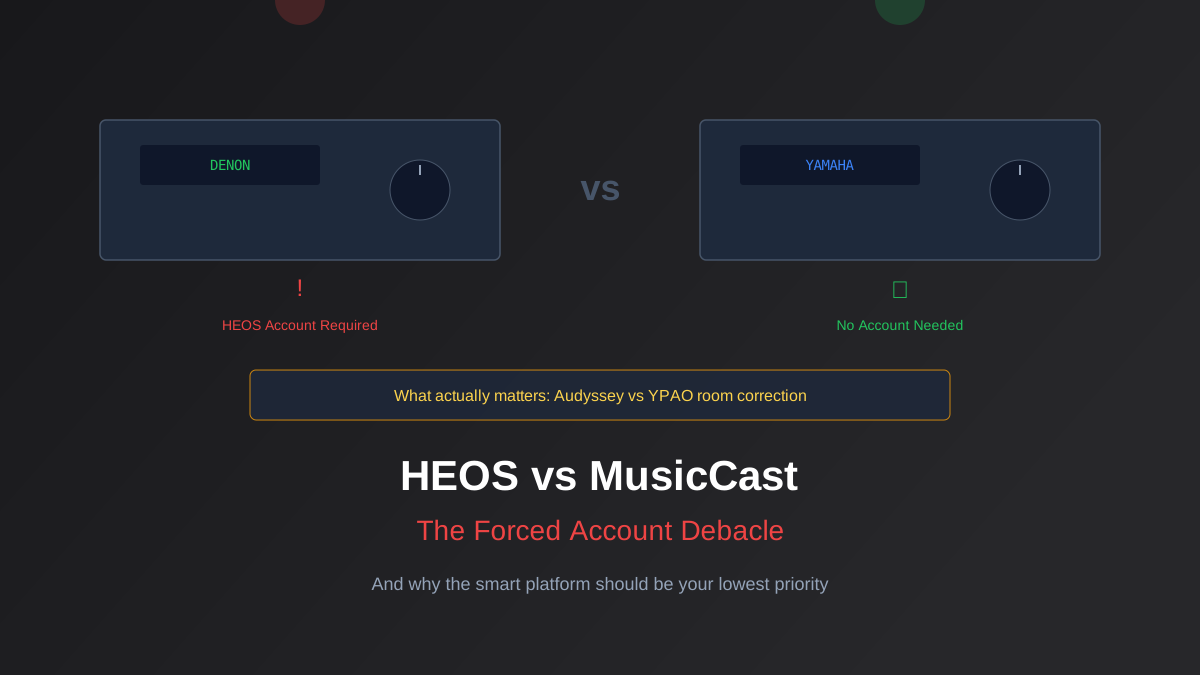
Denon now requires a HEOS account to use basic network features on their AVRs. This is a receiver, not a social network. Here is what both ecosystems actually do well, where they fail, and whether this should change your buying decision.
A Reddit post about Denon forcing HEOS account creation pulled nearly 600 upvotes and hundreds of comments, almost universally negative. People who spent $1,000+ on a receiver are being told they need to create an account just to update firmware or use network streaming.
What Happened With HEOS
Denon and Marantz (both owned by Masimo) share the HEOS platform. Previously, account creation was optional. That changed in recent firmware updates. HDMI switching, analog audio, and optical input still work without one, but anything touching the network (firmware updates, streaming, multi-room audio, AirPlay 2) requires signing in.
Rob's take
Whole-home audio ecosystems have a way of locking you into a platform that looks convenient today and expensive to exit in three years. I lean toward Yamaha MusicCast for anyone who values flexibility — it handles more source types and integrates better with third-party gear. But if your household is all-in on streaming services and Apple devices, Denon HEOS's AirPlay 2 support is smoother in daily use.
What HEOS Actually Does
Multi-room audio, streaming service integration (Spotify Connect, Tidal, Amazon Music), AirPlay 2, firmware updates, basic EQ and zone control through the app. The feature list is fine. The problem is execution. The HEOS app is notorious for connection drops, slow response times, and a UI that has not been meaningfully updated since 2018. App store reviews hover around 2.5 stars.
What MusicCast Does
Yamaha's equivalent platform covers the same ground with a slightly better app. MusicCast supports higher-resolution multi-room streaming than HEOS. The critical difference: Yamaha does not force account creation. You can use MusicCast features, get firmware updates, and stream without creating an account.
Room Correction Is What Actually Matters
The comparison that should drive your Denon vs. Yamaha decision is Audyssey vs. YPAO, not HEOS vs. MusicCast.
Denon uses Audyssey. MultEQ XT32 (on X-series and above) is aggressive. It measures your room and applies substantial EQ correction. Some people love the tight, controlled result. Others find it kills dynamics. The $20 Audyssey app gives manual target curve control.
Yamaha uses YPAO. R.S.C. (Reflected Sound Control) is gentler, preserving more of the speaker's natural voicing. Sounds more "natural" but less precisely controlled. Also has a $20 mobile app.
Neither is objectively better. CinemaConfig's receiver matching tool can help you find models with the right room correction tier, and our speaker-to-receiver matching guide covers power and impedance.
The Privacy Problem
Forced account creation is a data collection mechanism. The HEOS privacy policy grants Masimo the right to collect usage data, listening habits, device information, and network details. If privacy matters to you, the simplest solution: do not connect the AVR to your network. It works perfectly as a pure HDMI switcher and amplifier without network features.
Should HEOS Change Your Buying Decision?
Probably not, but it is a legitimate tiebreaker. The Denon X3800H remains the best mid-range AVR on the market. But if you are deciding between equally matched Denon and Yamaha models, the forced HEOS account is a valid reason to pick Yamaha.
The Bigger Picture
The best defense against smart-device creep in receivers: treat your AVR as a dumb amplifier and processor. An Apple TV 4K or Nvidia Shield Pro handles every streaming service better than any AVR app. The AVR's job is to decode surround formats, apply room correction, and drive speakers. Everything else is a bonus you should not depend on.
CinemaConfig's system builder handles component matching without caring which streaming platform your receiver runs. Because the streaming platform genuinely does not matter that much. Our AVR buying guide covers all the factors that do.
Rob Teller
Founder, CinemaConfig
15 years in consumer hardware and software, mostly on the product side. NZXT (cases and cooling), Asetek (liquid cooling, global sales), a short run advising on Alienware's roadmap at Dell, then four ... More about Rob · Affiliate disclosure


