The Best Home Theater Lighting (2026): Scene Lighting, Screen Sync, and Bias Lights
Home theater lighting splits into three jobs that get sold as if they were one. First, scene lighting: dimmable, controllable room light you drop to 10 percent for movies and bring up between features. Second, screen sync: a camera- or HDMI-driven strip behind the TV that follows on-screen color for ambient drama. Third, true bias lighting: a flat, color-accurate D65 white behind the screen that your eye adapts away from so the picture looks higher-contrast in a dim room.
That third job is where the honest boundary sits. A real bias light lives or dies on CRI at 6500K, where CRI 90-plus is the floor below which the white pulls green or magenta and actively hurts perceived color on a calibrated panel. The product that owns that category is the MediaLight Mk2 (CRI 98 at 6500K, Imaging Science Foundation certified), and we do not carry it. If color-critical bias lighting is your only goal, buy a MediaLight from biaslighting.com and skip the rest of this page. What our catalog does carry, and does well, is the smart RGB/RGBCW scene and screen-sync category from Nanoleaf, Philips Hue, and Govee. Those are the picks below. None of them is a reference bias light, and we will not pretend otherwise.
How We Score
What you get at each price point
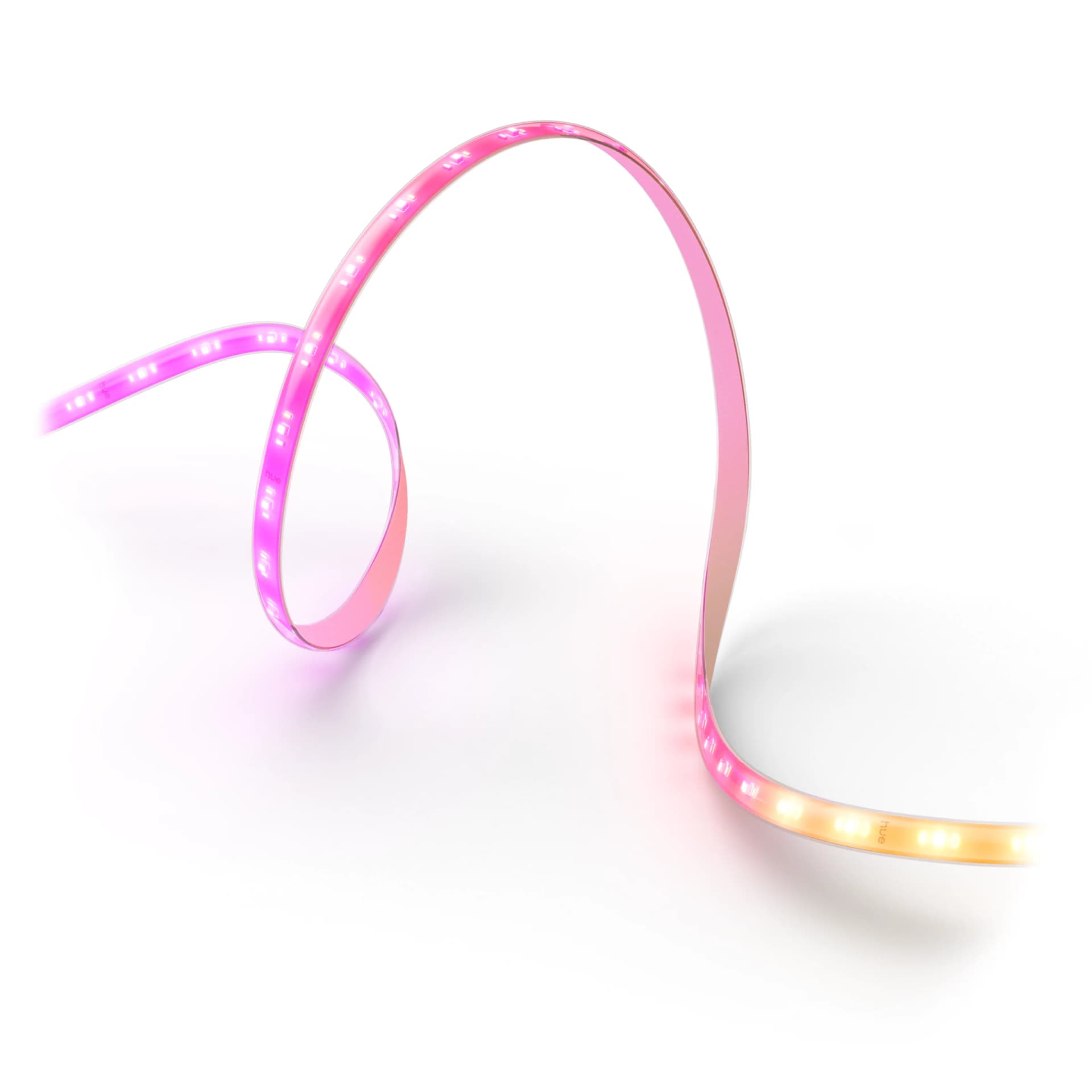
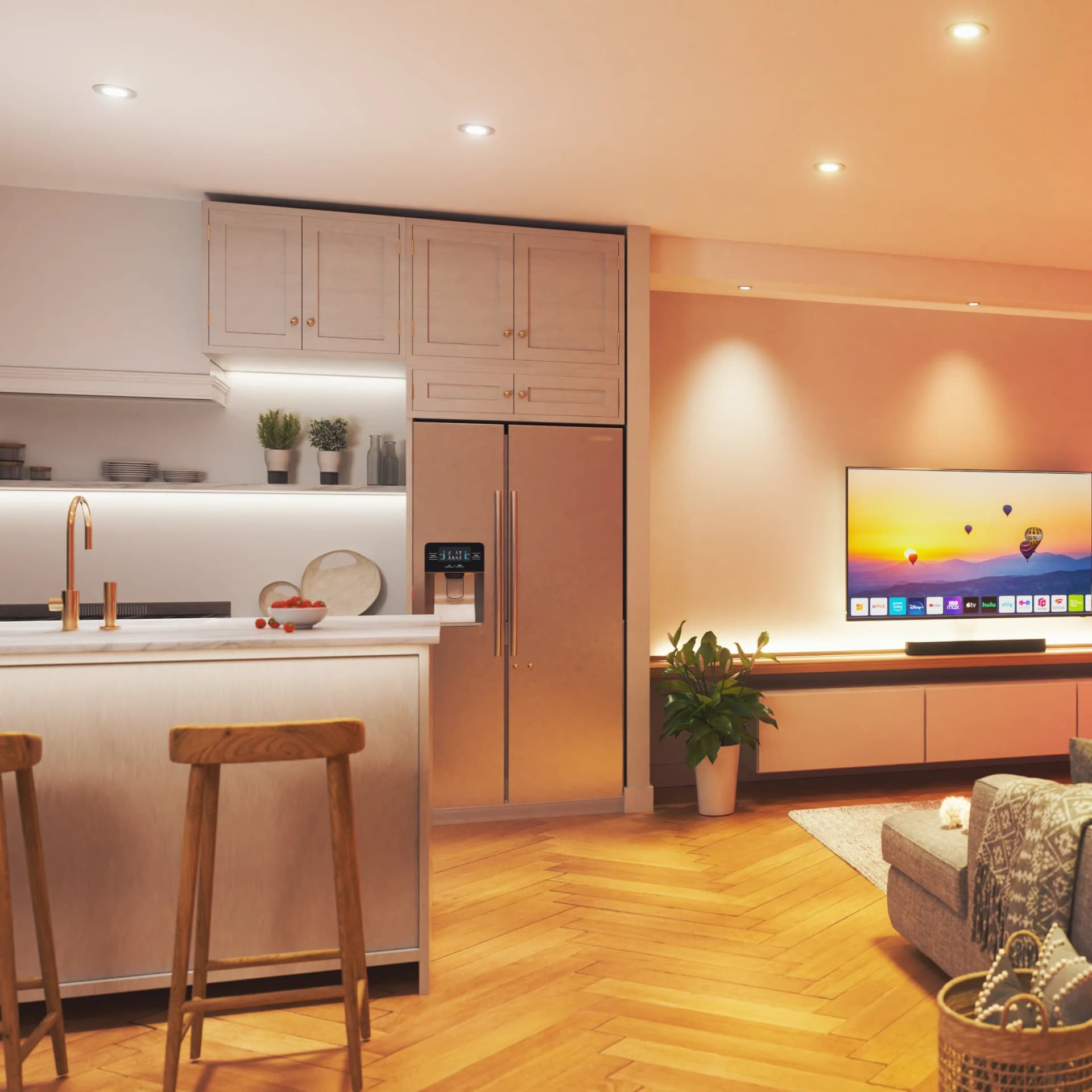
- $30–$100Screen-sync and accent stripsCamera-based or app-driven LED strips that add ambient color behind the screen or around the room. The Nanoleaf 4D (around $80) mirrors on-screen color via a bezel camera; the Philips Hue Flux 16ft strip ($99.99) is a cuttable 2000-lumen accent strip for cabinets and wall washes. Govee's Envisual strips also live here. These are ambience, not calibration.
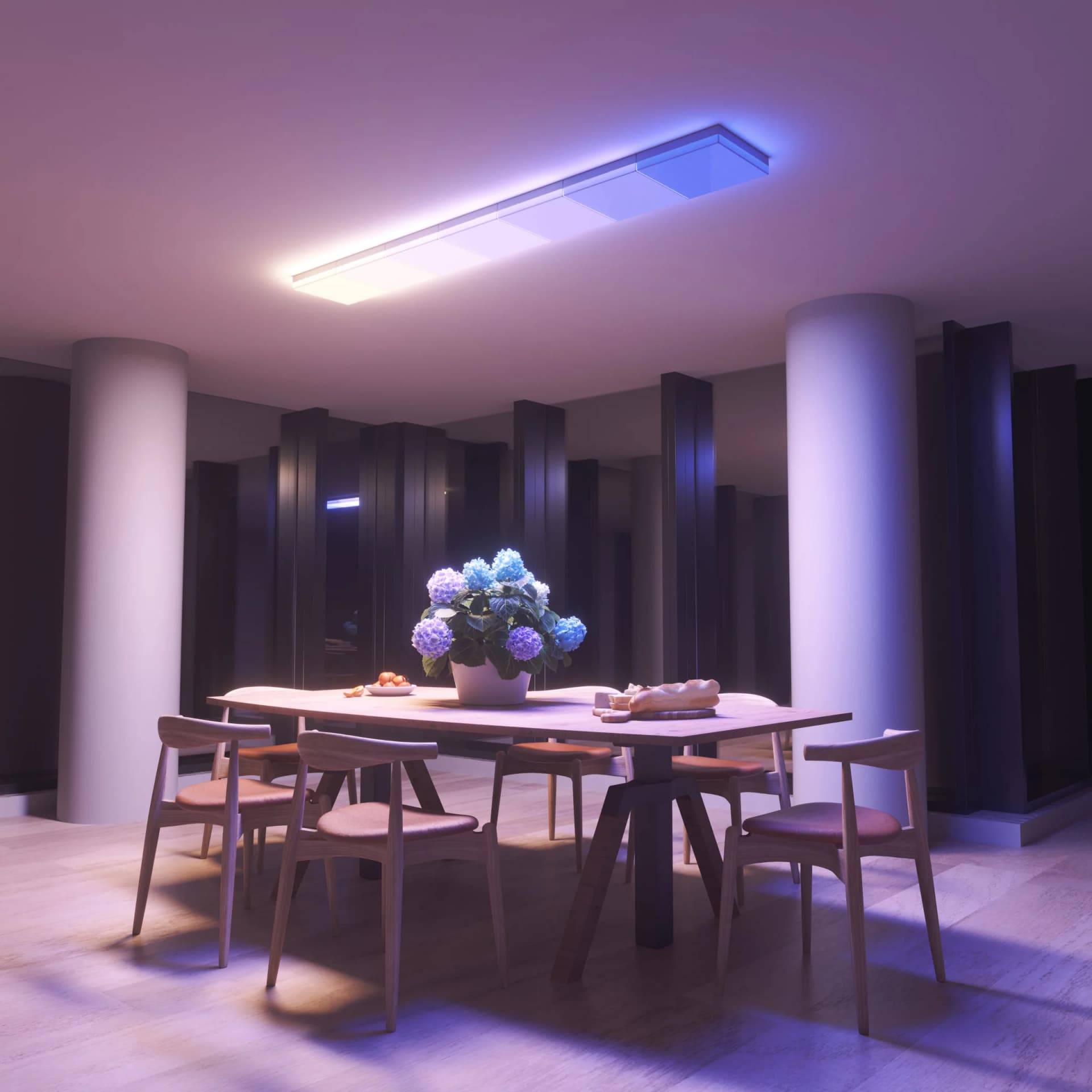
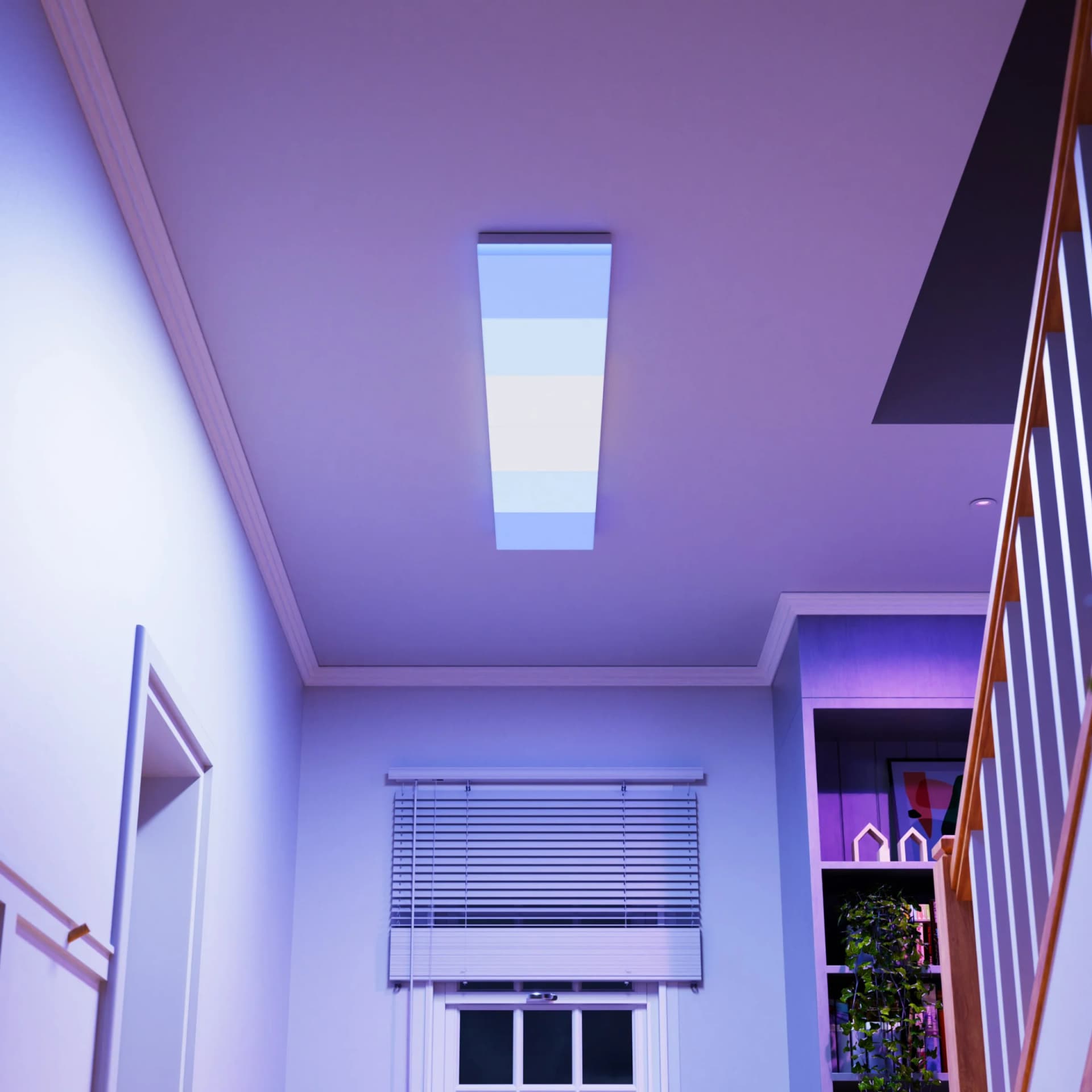
- $200–$360Modular ceiling scene lightingThe Nanoleaf Skylight: modular 11.8-inch RGBCW panels that hardwire into a ceiling box and do both functional white (2700K to 6500K) and colored scenes. The 3-panel starter kit is $199.99; the Smarter 6-pack with the controller is $356. This is the dedicated-theater move: dim to a deep colored wash for movies, full warm white for cleanup.
- Reference bias (not in catalog)Color-accurate D65 bias lightA USB-powered strip behind the screen at CRI 90-plus and a true 6500K. The MediaLight Mk2 (CRI 98, ISF certified) owns this category and we do not stock it. If color-critical bias lighting is the goal, buy it from biaslighting.com. Nothing in our smart-RGB catalog is a substitute for it.
Nanoleaf
NF083K02-3SL
The Nanoleaf NF083K02-3SL earns our top pick in this category at $199.99. The Lines Smarter Kit (3-Pack) is the smallest starter configuration of Nanoleaf's Lines wall-mounted LED strip-bar product family, three lit bars plus the controller base and power supply for small-wall accent placements where a 4-pack or 9-pack would visually overpower (above a desk, beside a doorway, or as an entryway accent). At its tier the cross-shop is Philips Hue Play 3-pack and Govee accent strips; the Lines argument is the discrete-bar geometric design statement at compact scale, the trade-off versus a Hue Play 3-pack is the smaller mature-app ecosystem that Hue carries for automation routines. The 3-pack is the right SKU when the Lines purchase is an accent rather than a feature wall. DB hygiene flag: per-bar length and lumen output need Nanoleaf product-page population.
Philips Hue
046677607814
For the best bang for your buck, the Philips Hue 046677607814 stands out in this category at $99.99. The 046677607814 row is the fifth Philips Hue UPC-coded row in this batch with the attribute table empty, in the same 0466776078xx UPC subrange as 046677607753 (Hue bulb territory). Same DB hygiene action applies: Signify product-page lookup needed to resolve form factor (A19, BR30, GU10, or accent), lumens output, and color-capability tier (white-only, ambiance, or full RGB) before treating this row as canonical. Cross-shop framing matches: Govee and LIFX at lower price without Bridge; Hue's buy reason is the Zigbee Bridge that ties the entire smart-home lighting layer into HomeKit, Alexa, and Google Home through one hub rather than per-bulb Wi-Fi configuration.
Nanoleaf
N7504D02-4W3
The Nanoleaf N7504D02-4W3 proves you don't need to break the bank in this category at $79.99. The Essentials Matter A19 (4-Pack, W3 trim) is the room-scale multipack of Nanoleaf's commodity Matter-over-Thread A19 bulb, four bulbs sized for a kitchen-and-dining or living-room one-bulb-per-fixture deployment. Matter-native protocol, no hub required (pairs through any home Matter / Thread border router: HomePod mini, Echo Hub, Nest Hub, SmartThings Station). At its tier it cross-shops with Philips Hue White and Color Ambiance 4-pack (mature ecosystem at higher price) and Govee 4-pack; the Nanoleaf buy reason is no-hub Matter, the trade-off versus Hue is the smaller automation library. The 4-pack is the right SKU when the deployment is one room rather than the full home.
Nanoleaf
KIT_NF083K03-6SL
The Nanoleaf KIT_NF083K03-6SL represents the pinnacle in this category at $356. The NF083K03-6SL is the 6-panel Lines Squared starter kit, the geometric-bar version of Nanoleaf's smart-light architecture that produces gradient color across each individual bar rather than the discrete panel-by-panel coloring of the Shapes hexagons. Matter-over-Thread plus Razer Chroma compatibility for gaming-room sync, music-reactive scenes via the Nanoleaf app's onboard microphone. At its retail price it competes with the Govee Glide Hexa Pro and the Philips Hue Play Gradient pack; the Nanoleaf buy reason is the bar geometry that doubles as wall art when the lights are off, the trade-off is the per-bar pricing that scales aggressively past the starter kit when the install grows beyond 6 panels.
Frequently Asked Questions
Does bias lighting actually improve picture quality?
What is the difference between scene lighting, screen sync, and bias lighting?
Do the Nanoleaf Skylight panels need an electrician?
Is the Philips Hue Flux strip worth it over a cheaper generic strip?
Can I use a regular smart bulb behind my TV instead of a strip?
Compare These Picks
CinemaConfig may receive compensation for purchases made at participating retailers linked on this site. This compensation does not affect what products or prices are displayed, or the order of prices listed. See our affiliate disclosure.